> For the complete documentation index, see [llms.txt](https://docs.openstamanager.com/llms.txt). Markdown versions of documentation pages are available by appending `.md` to page URLs; this page is available as [Markdown](https://docs.openstamanager.com/2.9.1/openstamanager/modules/impianti/azioni-aggiuntive.md).
# Azioni aggiuntive
Guida alle azioni aggiuntive del modulo Impianti in OpenSTAManager
## Dal modulo Impianti
Il modulo Impianti permette diverse operazioni massive:
* [Aggiorna cliente](#aggiorna-cliente)
* [Elimina](#eliminazione-massiva)
* [Esporta](#esportazione)
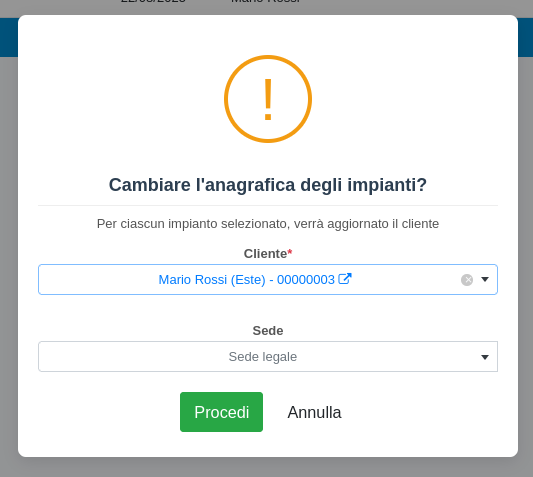
### Aggiorna cliente
Con questa operazione è possibile modificare massivamente il cliente associato agli impianti selezionati:
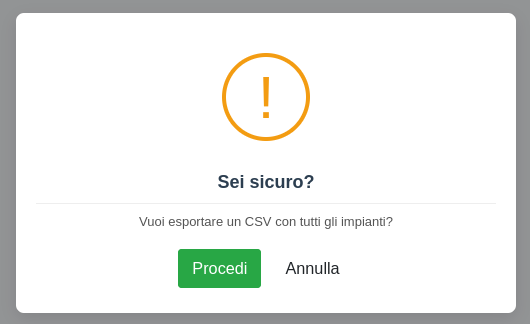
### Esportazione
Con questa operazione è possibile esportare gli impianti selezionati in un file in formato CSV
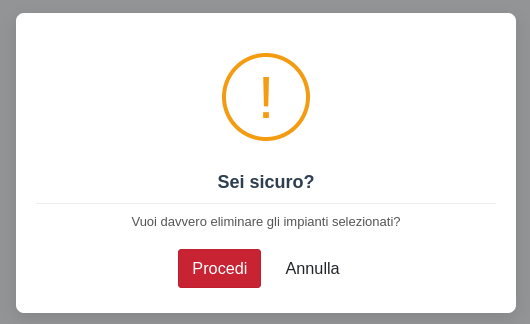
### Eliminazione massiva
Con questa operazione è possibile eliminare massivamente gli impianti selezionati.
### Dal dettaglio Impianti
Cliccando su uno specifico record è possibile entrare nella schermata di dettaglio.
Da qui, nella sezione superiore della pagina, è possibile trovare le funzioni Duplica impianto e Importa checklist categoria.
### Duplica impianto
Con questa operazione è possibile creare una copia dell'impianto corrente, mantenendo gli stessi dati.
### Importa checklist categoria
Con questa operazione è possibile importare le checklist predefinite associate alla categoria impianti associata a questo impianto, se presenti.
---
# Agent Instructions
This documentation is published with GitBook. GitBook is the documentation platform designed so that both humans and AI agents can read, navigate, and reason over technical content effectively. Learn more at gitbook.com.
## Querying This Documentation
If you need additional information that is not directly available in this page, you can query the documentation dynamically by asking a question.
Perform an HTTP GET request on the current page URL with the `ask` query parameter, and the optional `goal` query parameter:
```
GET https://docs.openstamanager.com/2.9.1/openstamanager/modules/impianti/azioni-aggiuntive.md?ask=&goal=
```
`ask` is the immediate question: it should be specific, self-contained, and written in natural language.
`goal` is optional and describes the broader end goal you are ultimately trying to accomplish on behalf of the user. GitBook uses it to tailor the answer towards what is most useful for that goal.
The response will contain a direct answer to the question and relevant excerpts and sources from the documentation.
Use this mechanism when the answer is not explicitly present in the current page, you need clarification or additional context, or you want to retrieve related documentation sections.